One link. No extra app.
Start in your browser with the TikTok video downloader. Copy a public post link, paste it and check the available files. No TikTok password or public account registration is needed.
 TikTokSave.net
Paste a link. Choose your file.
Save the moments worth coming back to. Paste a public TikTok link to see available video, audio and photo downloads.
Design preview. Live downloads are not enabled; use the example to review the proposed result layout.
✓ No TikTok login✓ Video & audio✓ Any modern browser
A TikTok video downloader prepares available files from a supported public post link. Depending on the source, those files can include video, audio or photos. With TikTokSave, the goal is straightforward: paste a link, understand the available choices, and save content you own or have permission to use. Start with the TikTok video downloader above, or read how to save a TikTok post before you begin.
A visual guide to the TikTok video downloader. Start with a public post you own or have permission to save.
Open the TikTok post, tap Share, then choose Copy link.

Come back to TikTokSave. Paste the link and select Download.
TikTokSaveChoose an available video, audio or photo file. Your browser handles the save.
Illustrative walkthrough. Actual files, quality and formats depend on the source and connected provider.
A familiar link. A clear choice. A file you can keep.
Start in your browser with the TikTok video downloader. Copy a public post link, paste it and check the available files. No TikTok password or public account registration is needed.
Choose an available MP4 rendition for familiar playback. HD depends on the original upload and supplied file; we explain what resolution and file size actually tell you.
Understand HD and MP4 formats →Some source files may be available without a platform overlay. Options depend on the post and provider. A download does not remove the creator's rights or grant permission to repost.
How watermark-free sources differ →Find help for audio, photo posts, iPhone and Android. Choose the file you need and follow the guide for your device.
Audio guidePhoto guide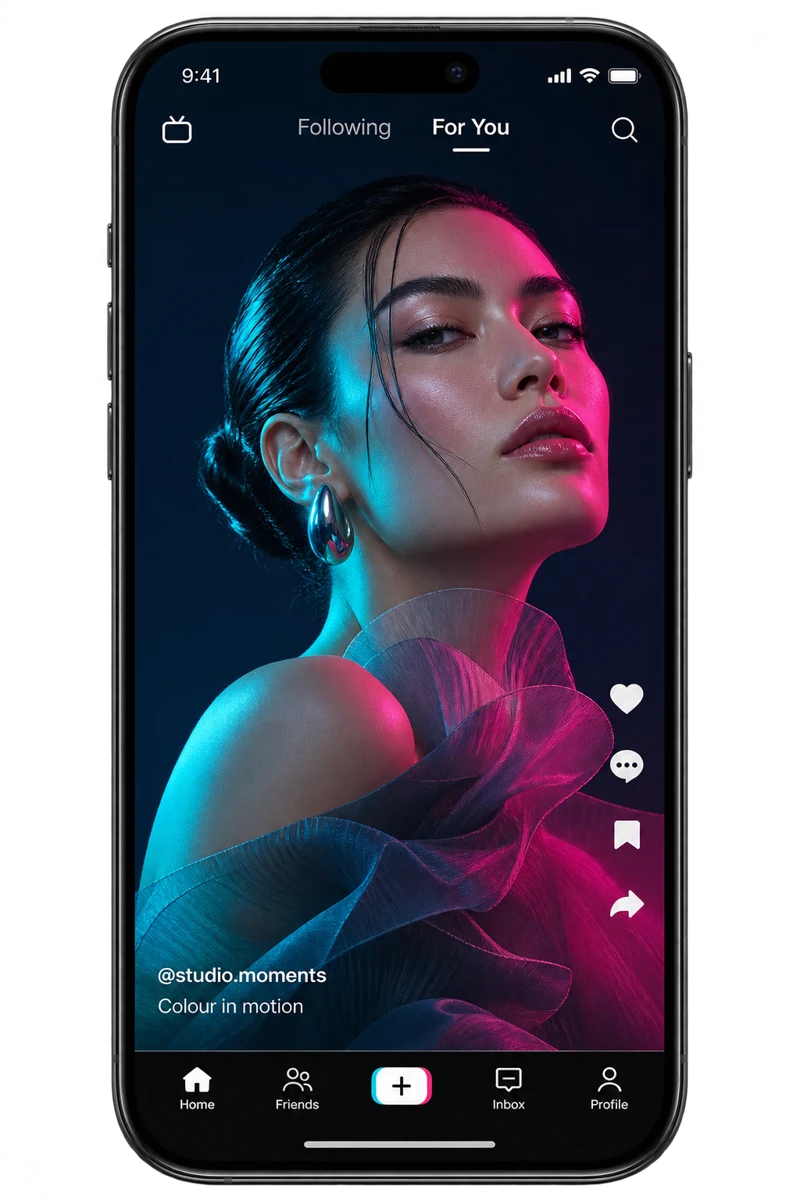
A post link points to a page. A download saves an available media file. Here's the difference.
You copy the link from TikTok's Share menu.
The connected provider checks which renditions it can return.
You choose an available format and save it through your browser.
A supplied rendition may be available without a platform-added overlay. That does not mean every post has one, or that a logo already embedded in the picture will disappear. Editing a watermark out of an existing file is a separate process and can affect the image.
Calling a download personal does not automatically give you permission to copy, share or monetise it. Check the rights, platform terms and rules that apply to your intended use.
Read the terms of useKeep a backup of material you created and control. Check any music or other third-party material included in it.
Public availability does not automatically grant permission. Confirm a licence, the creator's permission or an applicable legal exception.
Check the video and music rights separately before publishing, advertising or monetising a copy. Credit alone is not a substitute for required permission.
Rules and exceptions vary by location and context. For a specific concern, contact us about copyright.
Clear explanations for each file type.
Helpful answers before you start.
Fewer steps. Clearer file choices.
Useful help when you need it.
Copy, paste and choose. The form keeps the steps short; actual processing and transfer time depend on the source, provider and connection.
See the three stepsUse a modern browser on a phone, tablet or computer. Device guides explain where to find your saved files.
Find your device guideChoose from actual supplied renditions. 1080p, 720p and 480p are possible source resolutions, not a promise for every post.
Understand video qualityFind clear explanations of MP4 video, audio formats and photo albums. Available outputs depend on the supported post.
Explore audio formatsThe transfer panel measures received bytes, speed and elapsed time. Percentage and remaining time appear when a reliable file size is known.
Read the download helpPaste a link or shared text containing one. The form finds the TikTok link and lets you clear it before starting another download.
Try the link fieldLive file availability and transfer statistics require a connected media provider. Downloads are not enabled in this preview.
Helpful details before you save.
No inflated quality promises.
A TikTok video downloader can prepare an available rendition; it cannot recreate detail missing from the original upload. Look for actual dimensions, not just an HD label.
A taller portrait frame, a higher bitrate and a bigger file do not always mean the same thing. Pick the available option that suits your screen, storage and connection.
Understand quality and resolutionMP4 usually carries video, while MP3 and M4A are audio formats. A post's soundtrack may be longer than the clip itself, and conversion requires explicit support.
Check the format beside each available file. A video renamed with an audio extension is still a video; genuine conversion requires a supported conversion service.
Read the audio guideA photo album, a ZIP archive and a rendered slideshow are different outputs. Supported albums can provide individual images; creating a slideshow adds processing and may change how those images appear.
If keeping the photographs matters most, choose the individual files rather than assume a video preserves their original dimensions.
Read the photo guide| What you need | Look for | Good to know |
|---|---|---|
| Video with sound | An available video rendition | Dimensions and soundtrack depend on the source. |
| Audio only | The actual audio format | MP3 and M4A are not interchangeable file extensions. |
| Photos from an album | Individual image files | The provider may supply platform-processed images. |
| A cover or thumbnail | A separately supported image option | A displayed preview is not automatically an original-size download. |
Availability note: this is a structure preview. Live files, album processing and optional conversions need provider integration and testing before launch.
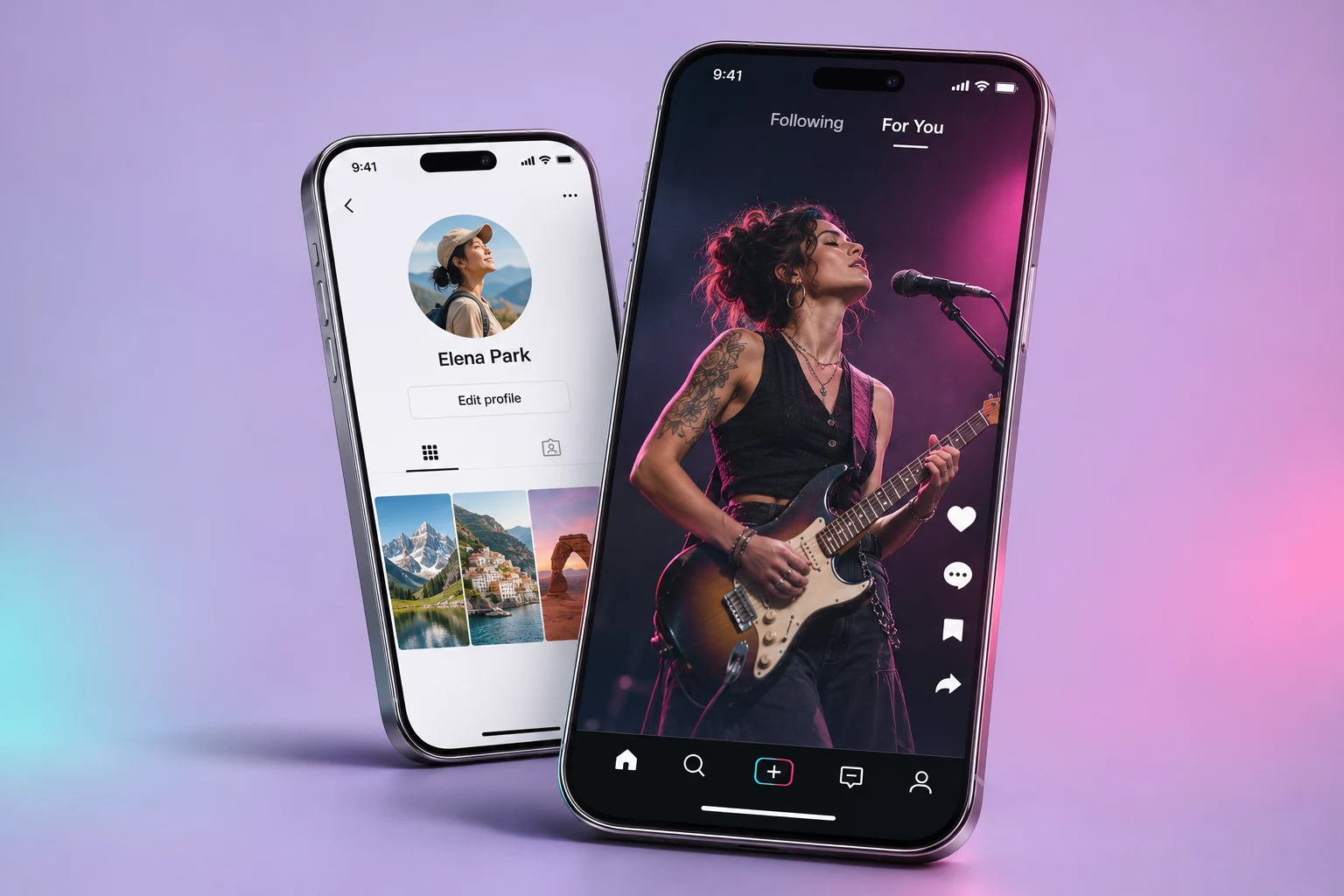
No extra app to learn. Use a modern browser, copy a public post link and choose an available file. Where it saves depends on your device.
Practical help for your device,
your file and your link.
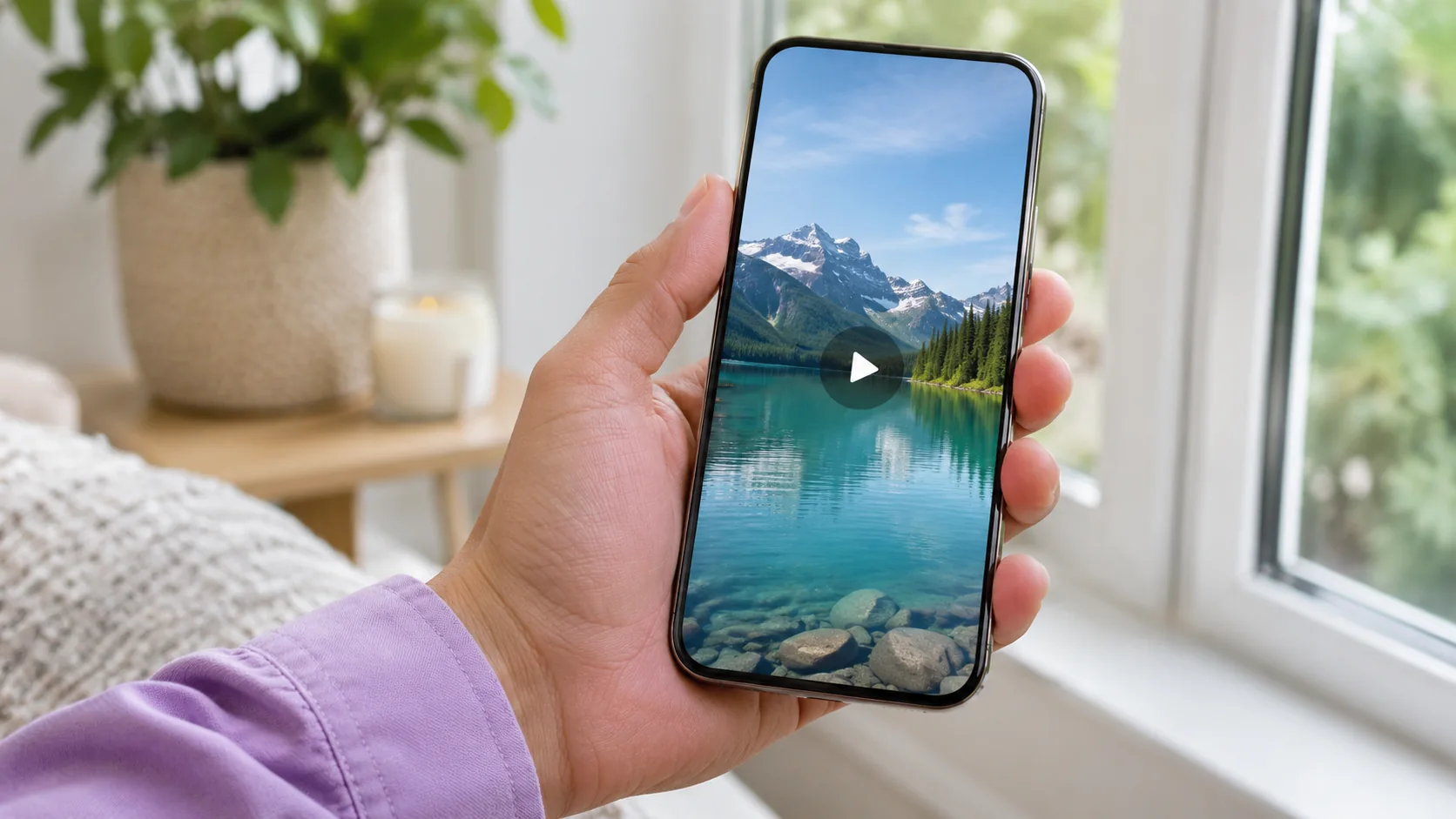
Find a saved video in Safari, Files or your browser's download history.
Find my downloadsUnderstand dimensions, source quality and file size before you save.
Compare video quality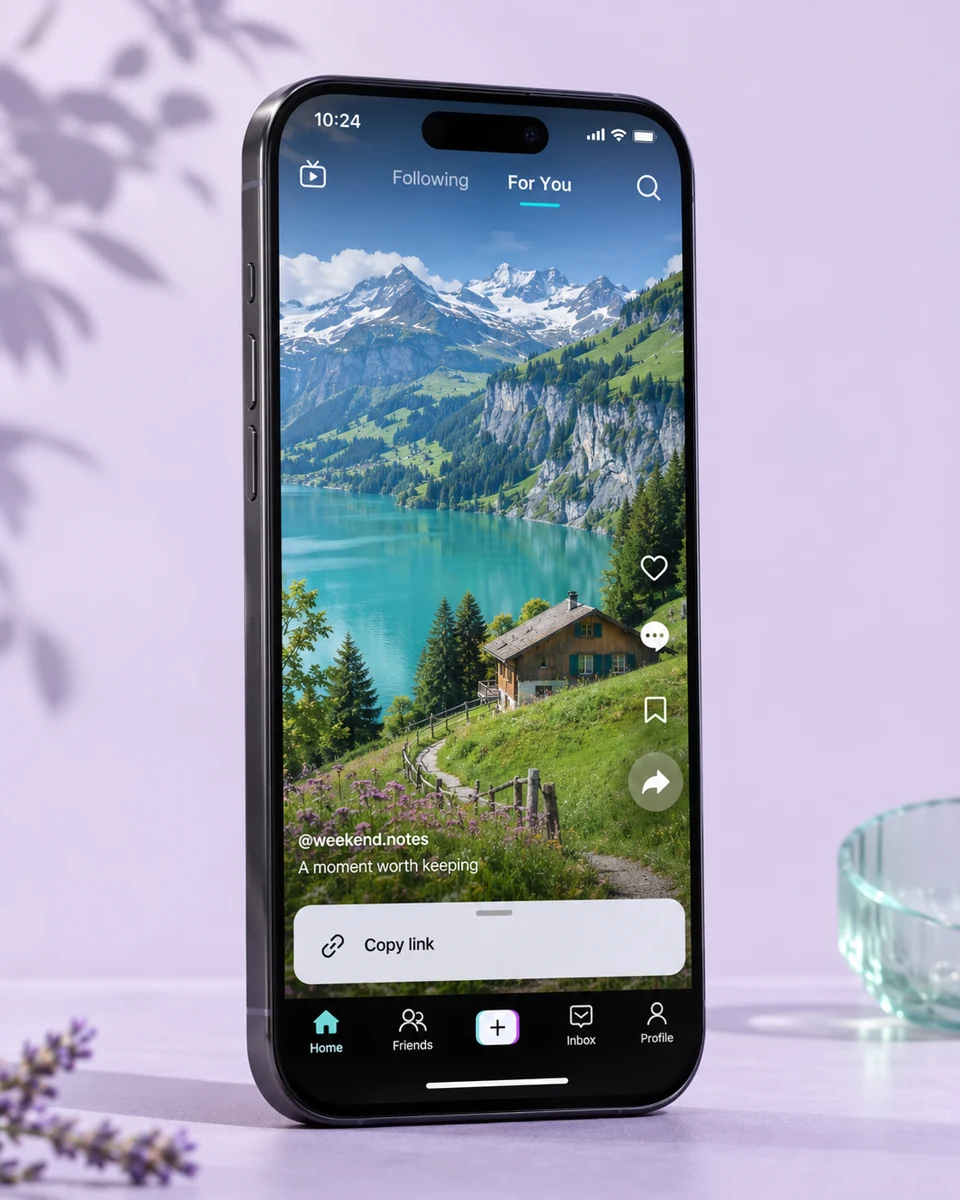
Check the post link, visibility and availability, then try the right next step.
Troubleshoot a linkStart with a public post link. Check the available file, then save only what you have permission to keep.
Back to the downloader